The SafeSurf Blog
Practical guides to clean browsing, security and content filtering on Android, from the team building SafeSurf & SafeGuard.
 Content FilteringFocus
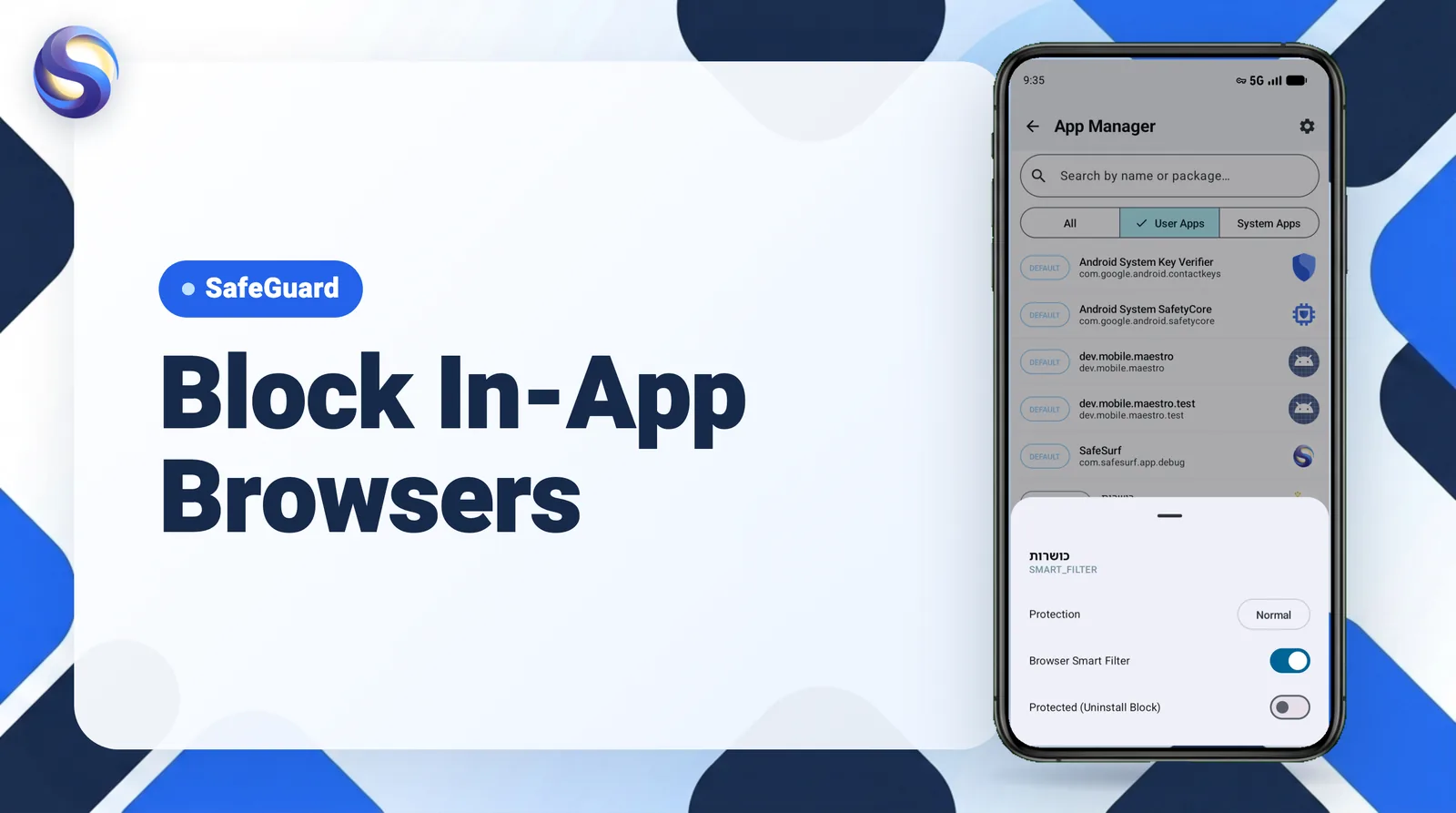
How to Block In-App Browsers & WebViews (No VPN)
Apps open a hidden in-app browser to slip past your blocker. A VPN drains battery and is one tap from off — SafeGuard detects WebViews and closes the app.
5 min readRead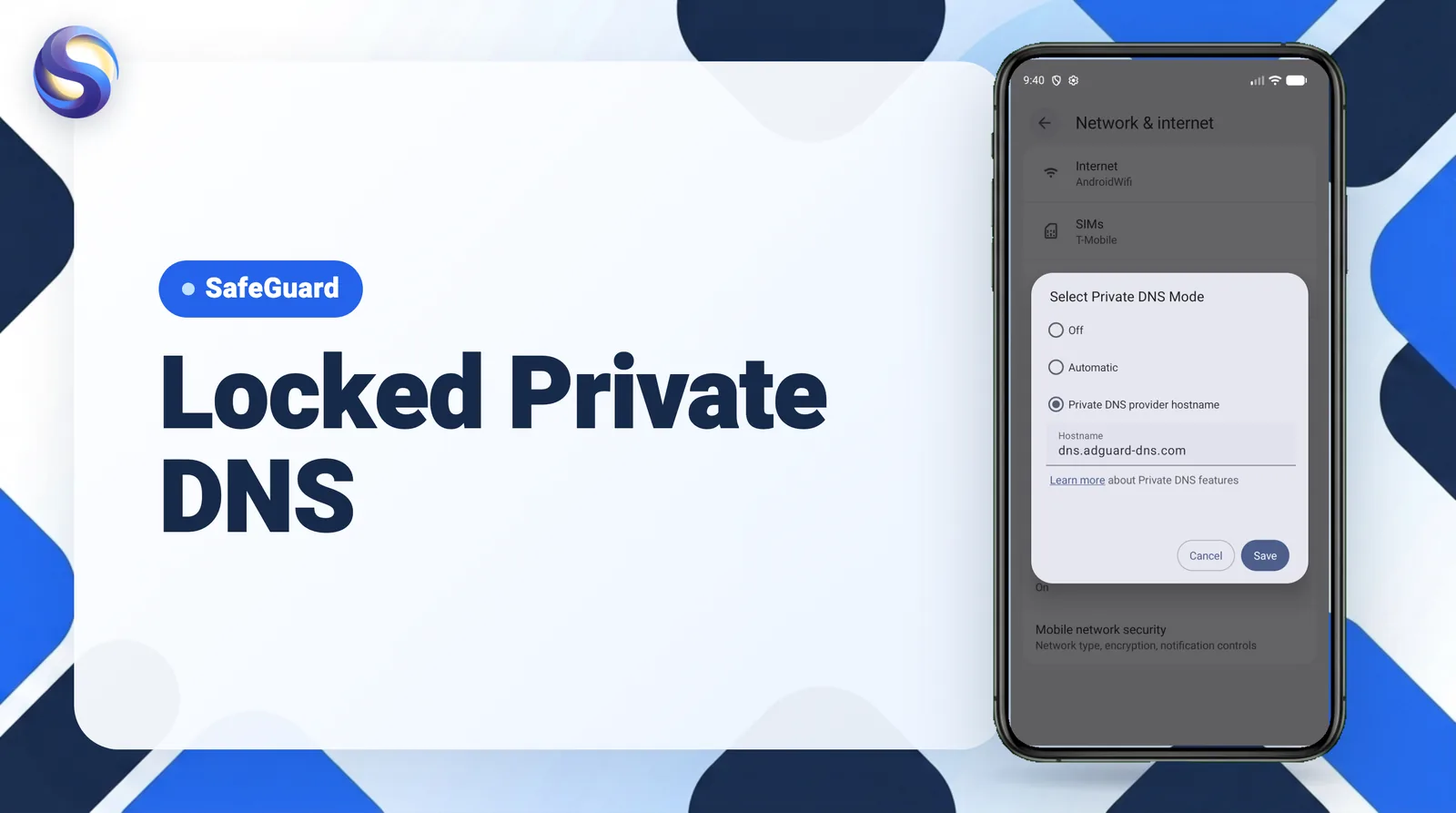 Ad BlockingPrivate DNS
Block Ads Inside Apps with a Locked Private DNS
A filtering Private DNS blocks ads and unsafe sites device-wide, with no VPN. SafeGuard locks the setting with Device Owner so it can't be switched off.
4 min readRead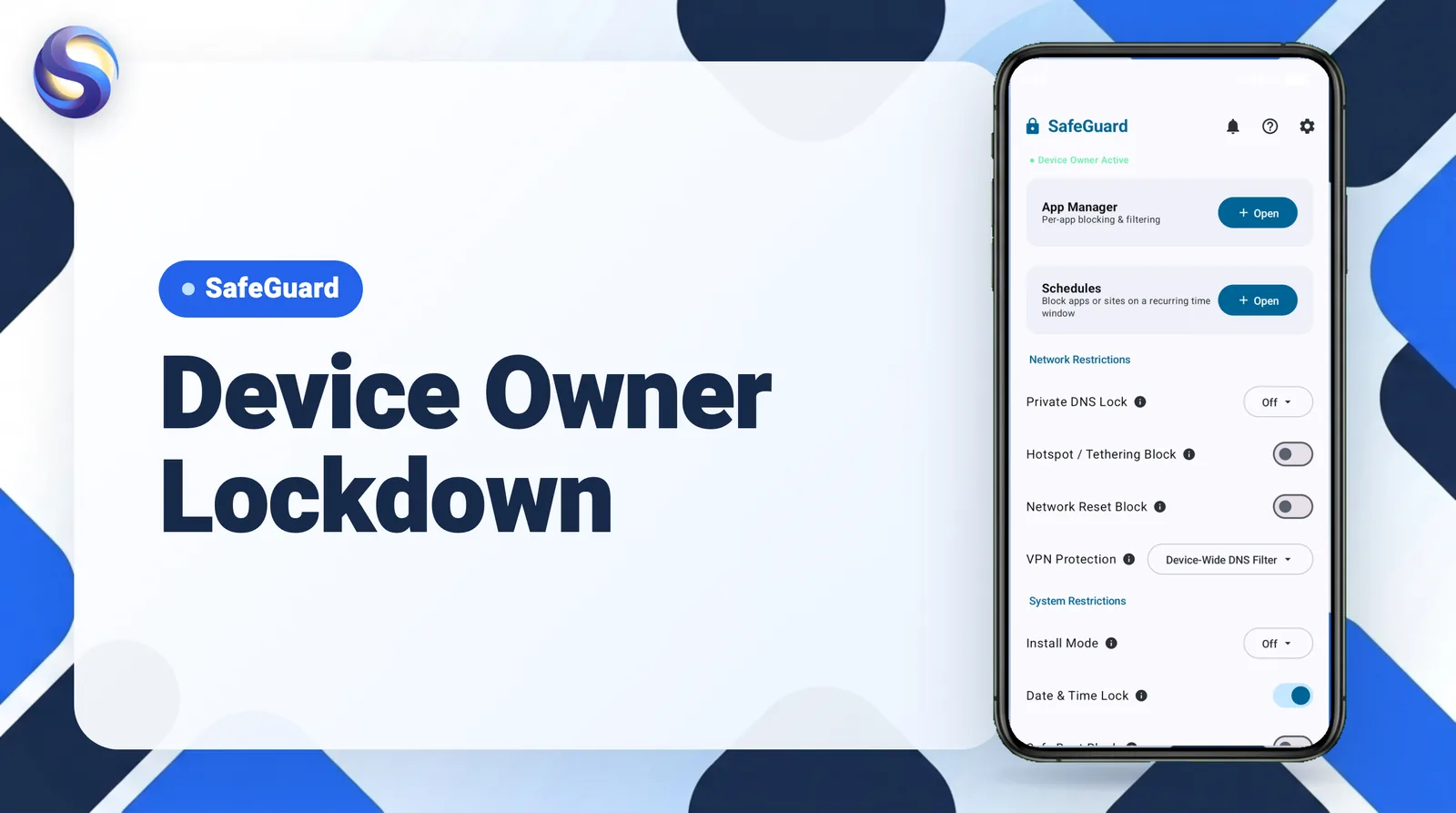 Device OwnerLockdown
Lock Down Your Phone with Device Owner (Prevent Uninstall & Bypass)
A filter you can turn off in two taps isn't protection. How Device Owner uses built-in Android APIs to stop a focus app being uninstalled or force-stopped.
5 min readRead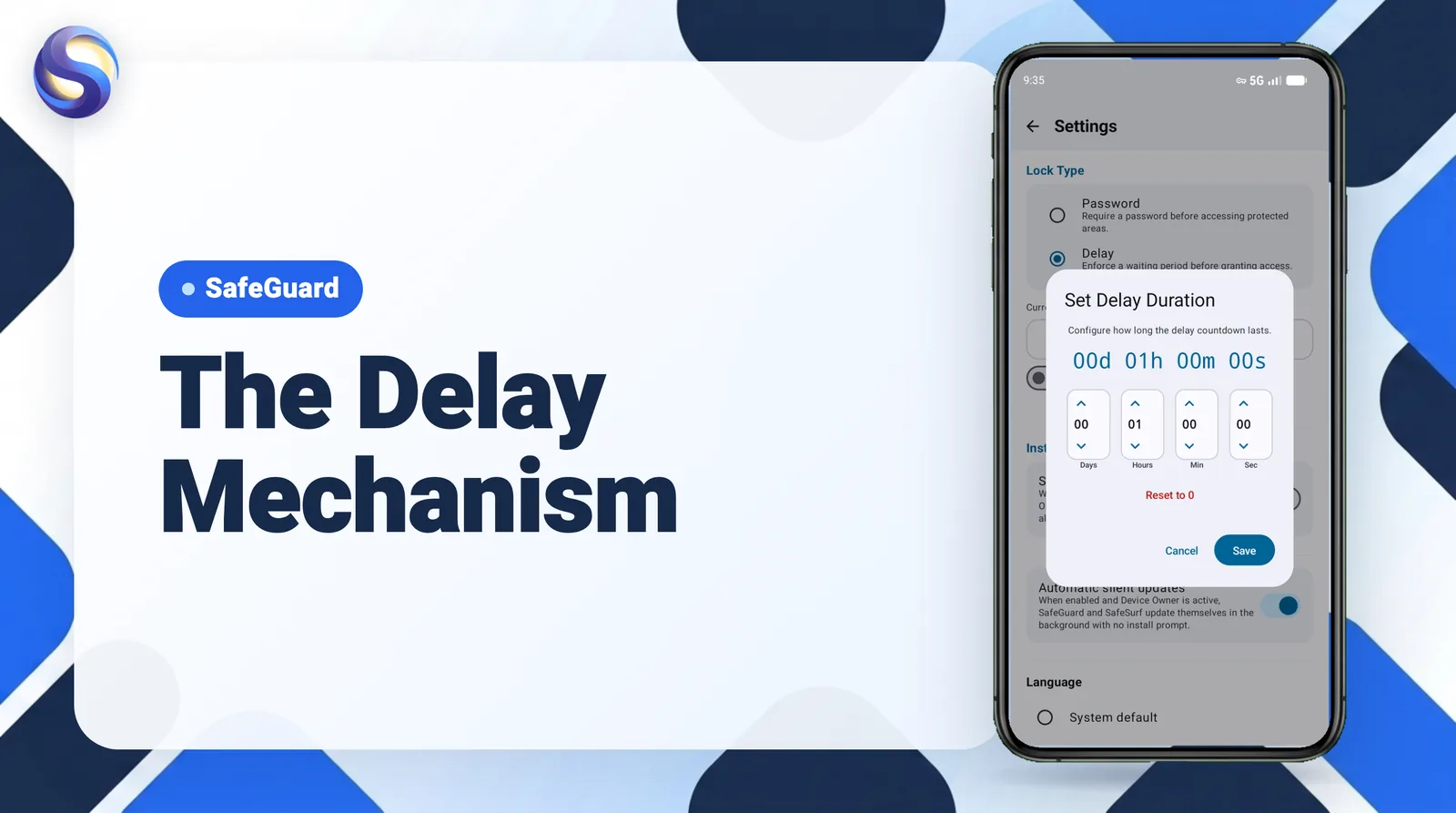 Digital WellbeingFocus
Beat Phone Impulses with a Delay Mechanism
Compulsive checking runs on a three-second loop willpower can't win. A delay adds a mandatory wait before any unblock takes effect. Here's why it works.
4 min readRead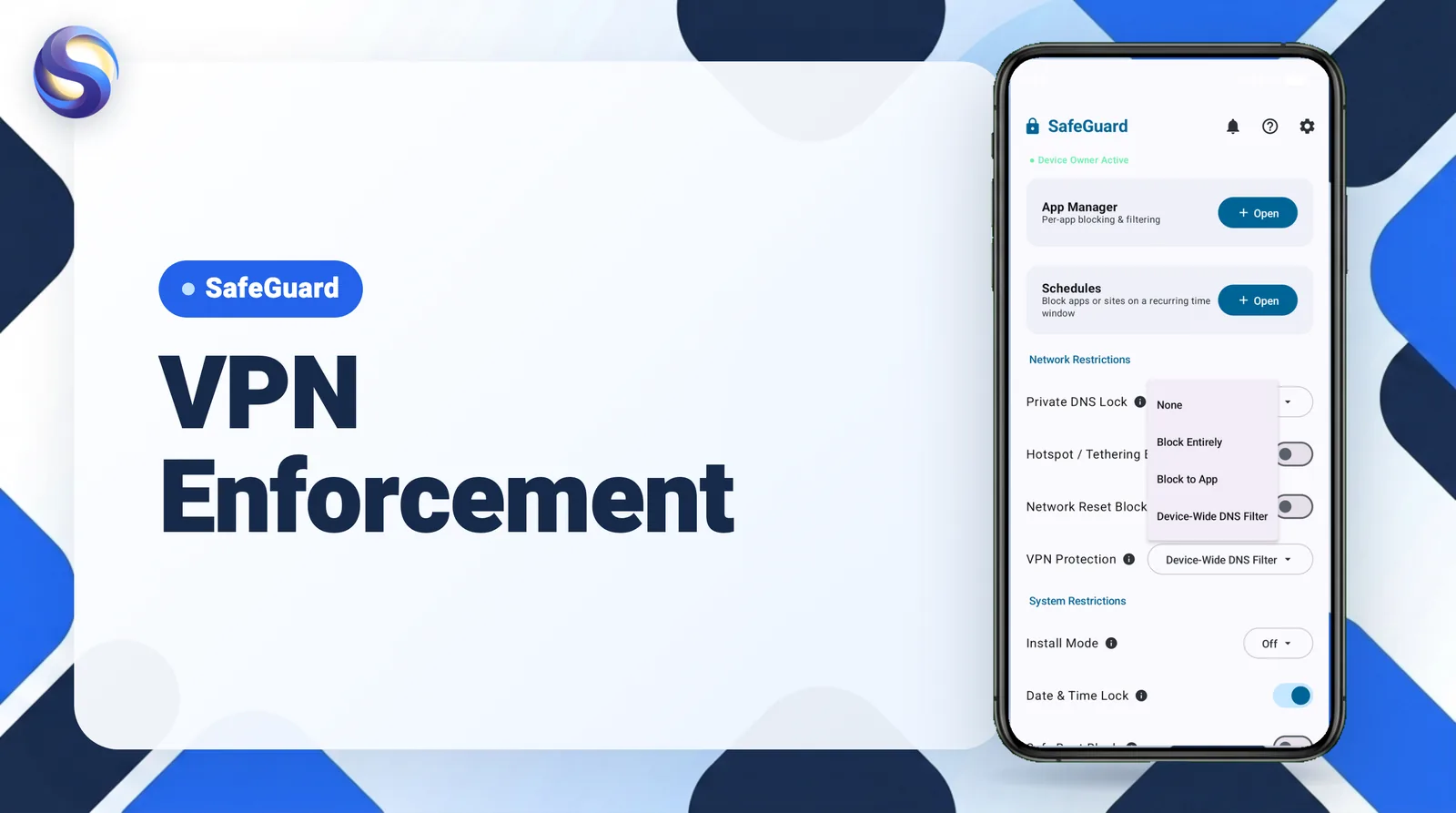 VPNSecurityAlways-On
VPN Disconnects? Two Ways SafeGuard Enforces Your VPN
Two ways SafeGuard enforces your VPN: block VPN settings outright, or lock one VPN app with Always-On. Plus why SafeSurf Browser needs no VPN at all.
5 min readRead App ComparisonContent FilteringAndroid
Android Content Filter Comparison: Hadran, Eskan, Netiv, Netspark, Kosher Play & SafeSurf
A detailed comparison of six Android content-filtering solutions — app install lockdown, WebView handling, filtering technology, flexibility, and monthly cost.
6 min readRead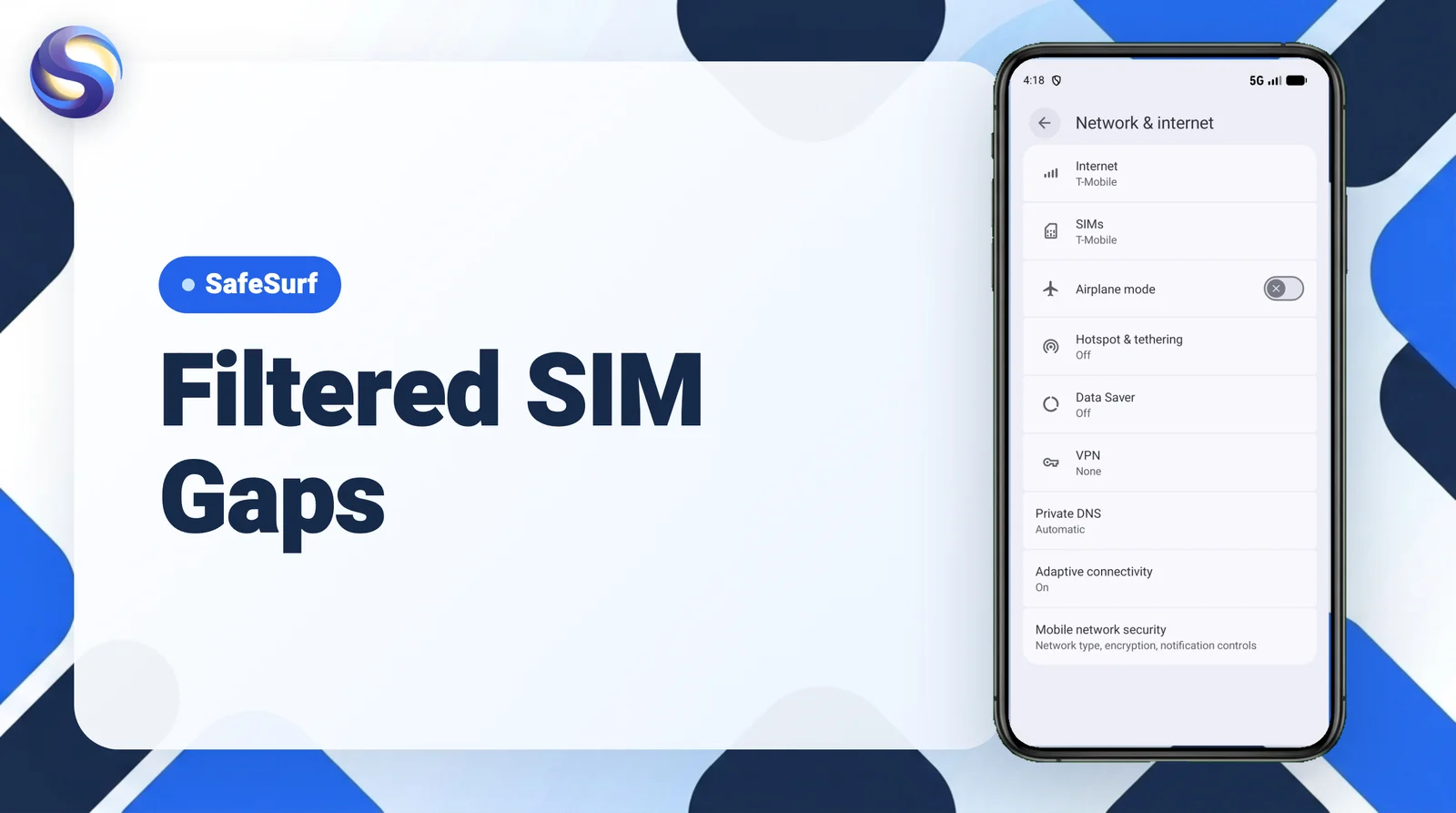 Filtered SIMNetwork FilteringWi-Fi
Filtered SIM on Android: How It Works and Its Gaps
How a filtered SIM works in Israel, from NetFree to the carriers' basic filter, why Wi-Fi and eSIM can bypass it, and which Android restrictions narrow the gap.
4 min readRead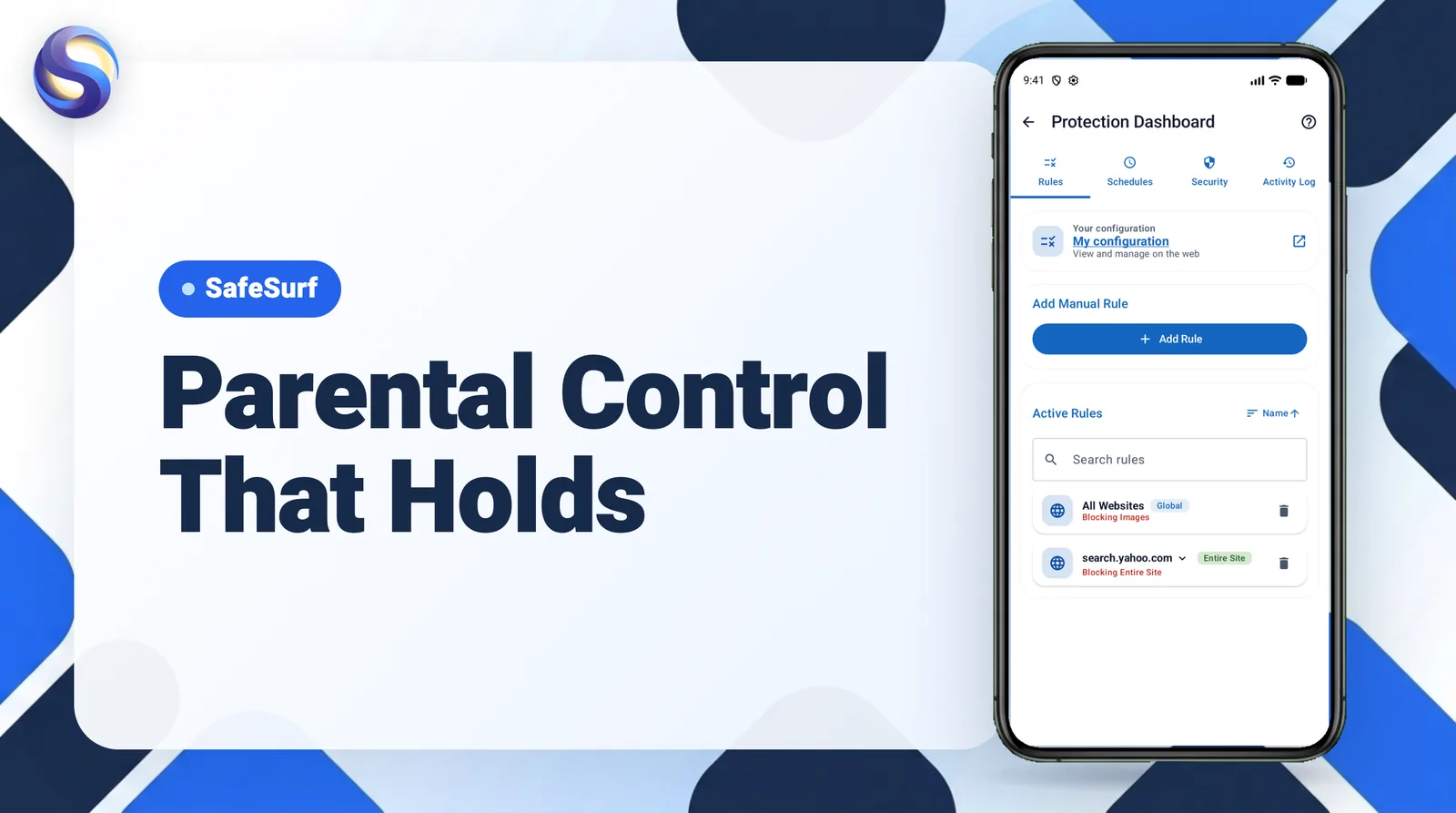 Parental ControlDevice OwnerFamily
Bypass-Resistant Parental Controls for Android: The Complete Guide to Filtering Content for Kids
Most parental control apps get removed within a week — via uninstall, Safe Mode, or a factory reset. How Device Owner, system locks, and an accountability partner close all three escape routes.
7 min readRead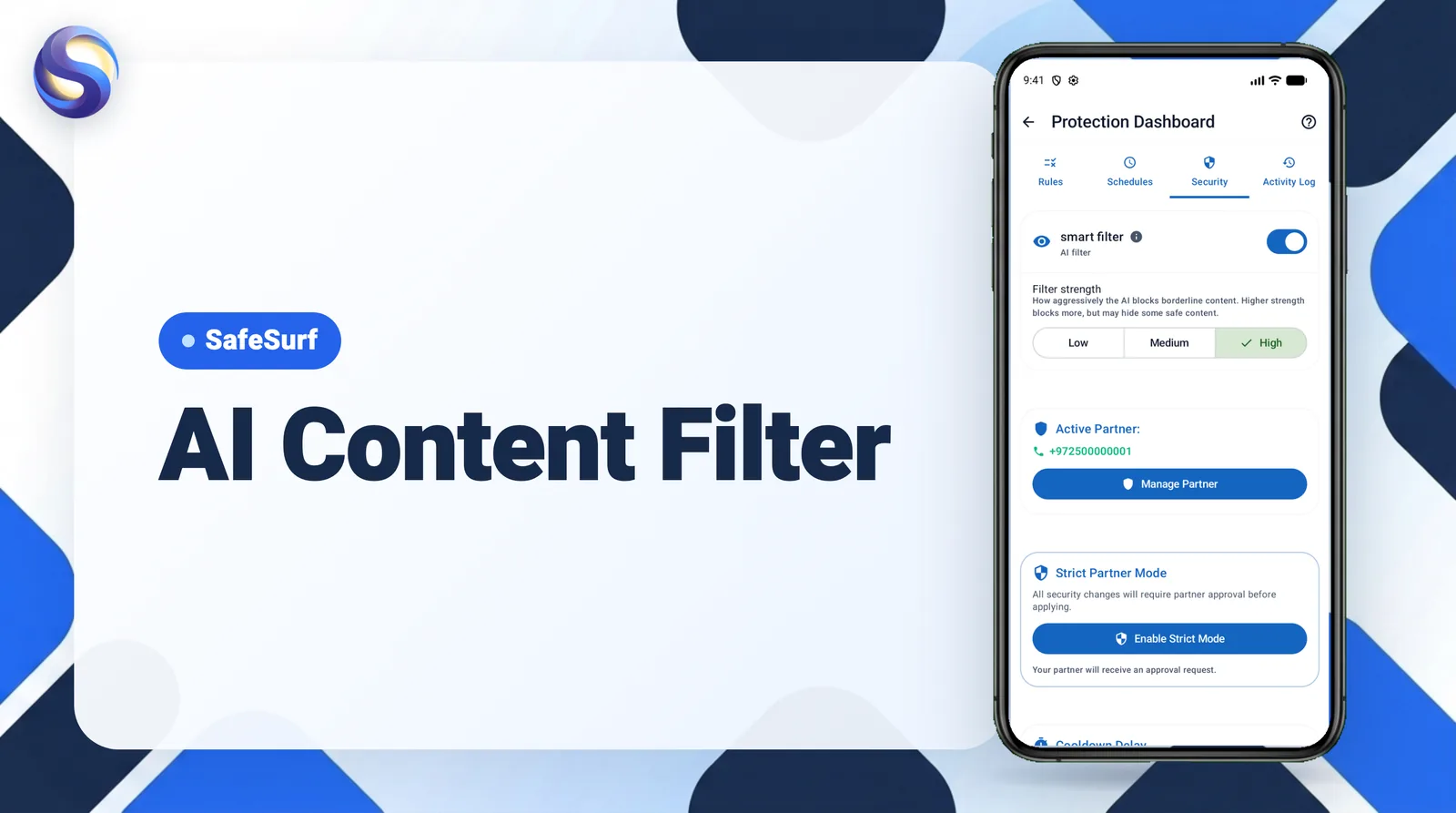 AI FilterContent Filtering
AI Content Filtering on Android: How It Works and When to Turn It On
A blocklist only covers known sites. SafeSurf's optional AI filter layers on top of your rules to catch new sites and user-uploaded content in real time.
5 min readRead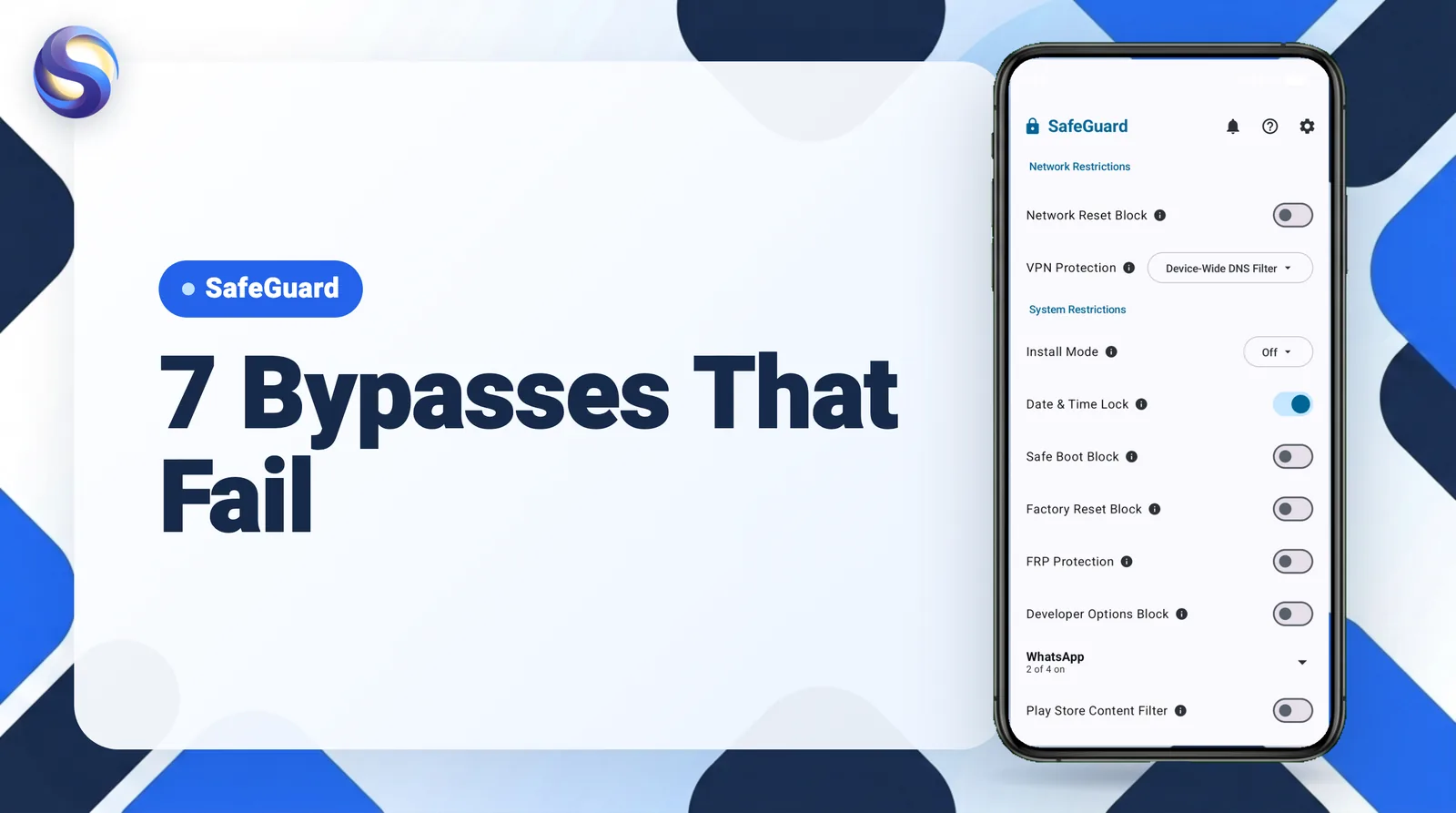 Parental ControlDevice OwnerBypass
7 Ways Kids Try to Bypass Android Parental Controls — and Why They Fail Against SafeGuard
Uninstalling the app, Safe Mode, factory reset, a VPN, a second browser, WebViews, and clock tampering — the seven most common bypass attempts, and the specific lock that stops each one.
6 min readRead